A better checkout starts with the right setup.
Explore EPOS packages, touchscreen tills, receipt printers, scanners, counter accessories and software. Find a setup that fits your counter, compare the options and request a supplier quotation.
Featured range from Switch&Save · 14 options across five categories
Choose the workflow, then the equipment.
A café counter, a grocery checkout and a multi-site retailer need different setups. Start with the tasks your team performs, the equipment you already have and the support you need. Explore how each option fits the business, then choose the equipment and software you want to discuss.
Complete EPOS packages
Compare coordinated systems for retail and hospitality, including the hardware, software and service scope.
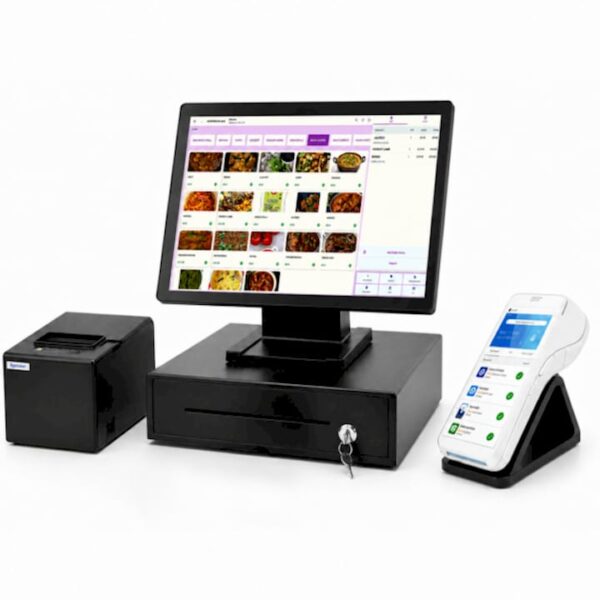
Hospitality EPOS Bundle
Bring menu handling, orders and checkout together for your café, restaurant, takeaway or bar.
Explore this option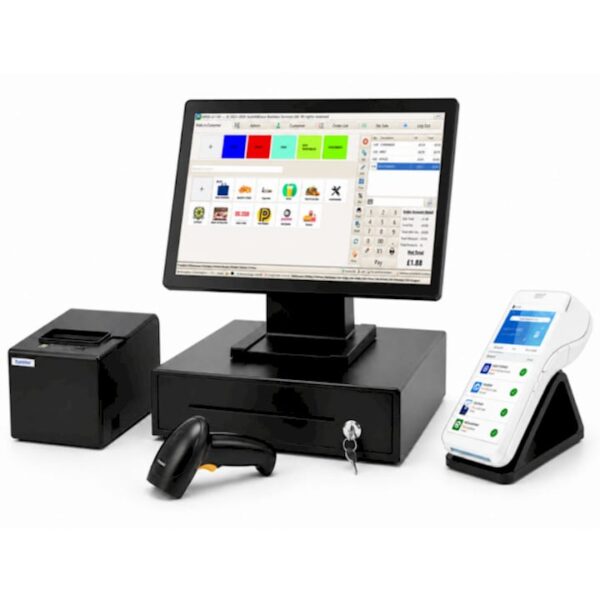
Integrated Payments EPOS Bundle
Bring the till, barcode scanning and a compatible card terminal into one coordinated checkout.
Explore this optionStandard Retail EPOS Bundle
A coordinated retail setup for everyday sales, stock handling and reporting.
Explore this option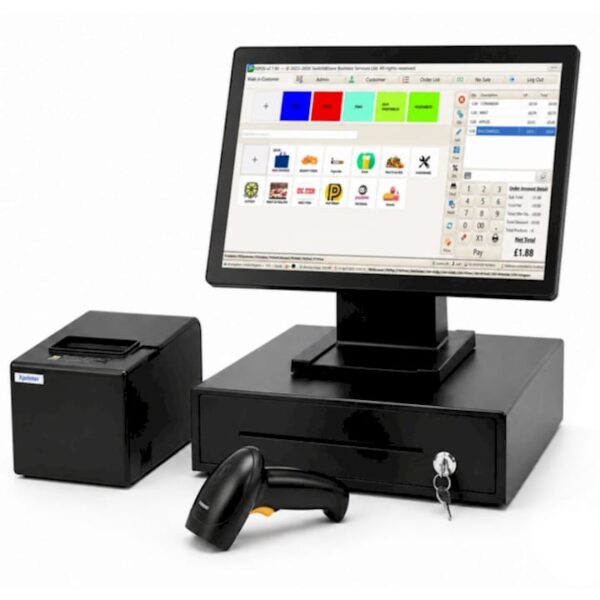
Premium Upfront EPOS Bundle
An upfront purchase approach to a retail EPOS package with software, support and cloud reporting.
Explore this optionCompare the four EPOS packages
Start with the work your system needs to do, then choose the purchasing arrangement. Package names alone do not establish hardware or software differences.
| Package | Main focus | Published scope | What distinguishes the choice |
|---|---|---|---|
| Hospitality EPOS Bundle | Cafés, restaurants, takeaways and bars. | Touchscreen terminal, software, receipt printer and cash drawer; hospitality order and menu functions. | Hospitality service and table/order management. |
| Integrated Payments EPOS Bundle | A coordinated till and card-payment setup. | Touchscreen terminal, printer, cash drawer, barcode scanner and integrated card terminal. | EPOS and the payment service considered together. |
| Standard Retail EPOS Bundle | Everyday retail checkout, stock and reporting. | Retail hardware, software, support and cloud access. Exact equipment is selected in the proposal. | A general retail package to configure for your shop. |
| Premium Upfront EPOS Bundle | Retail equipment with an upfront purchase approach. | EPOS hardware, software, support and cloud reporting. Exact equipment is selected in the proposal. | Purchasing structure; no verified hardware advantage over Standard is established. |
Bundle contents and service scope are based on the supplier descriptions. This comparison does not assume that every accessory in a package image is included.
Touchscreen EPOS terminals
Choose the counter layout that suits your team: separate equipment, an integrated unit or a customer-facing second screen.
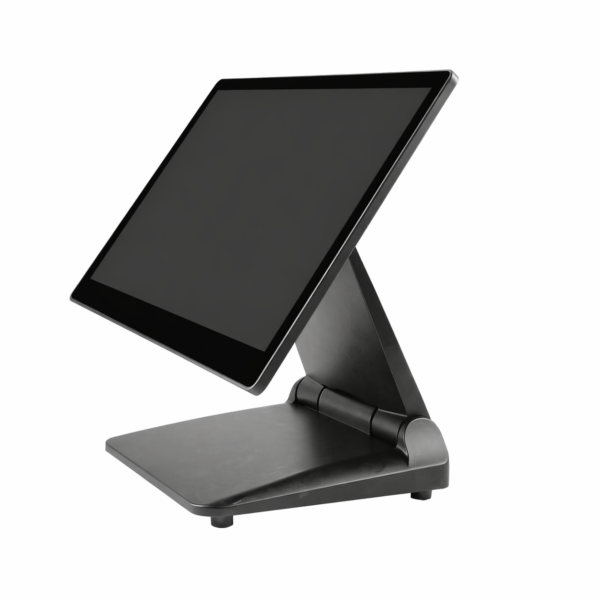
15.6-inch Touchscreen EPOS Terminal
A 15.6-inch touchscreen till that lets you arrange compatible printers, scanners and displays around your counter.
Explore this option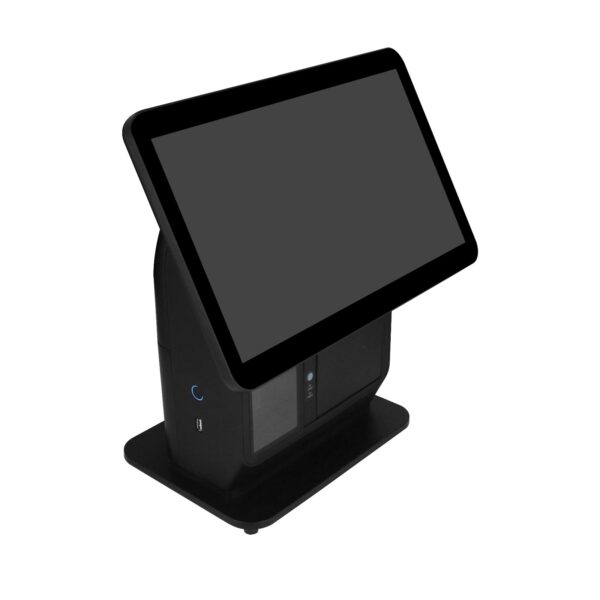
All-in-One EPOS Terminal
Combine a 15.6-inch touchscreen, 80mm receipt printer and barcode scanner in one counter unit.
Explore this option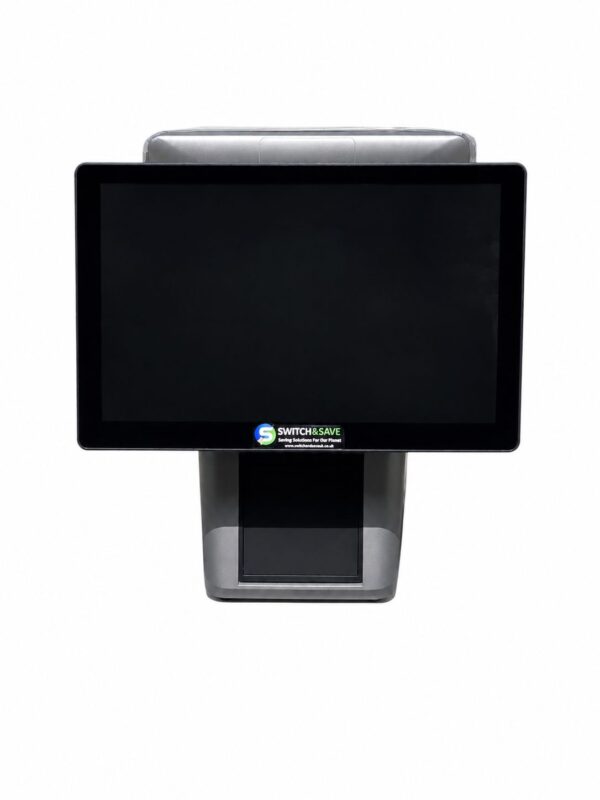
Dual-Screen EPOS Terminal
Give staff and customers separate screens, with an 80mm receipt printer built into the unit.
Explore this optionCompare the three terminal formats
Choose the physical layout that fits your counter. These are differences in the published formats, not a ranking of speed or reliability.
| Terminal | Published format | Useful when | Complete the setup |
|---|---|---|---|
| 15.6-inch Touchscreen EPOS Terminal | 15.6-inch touchscreen with separate accessories. | You want flexibility over the position of the printer, scanner and customer display. | Select compatible printing, scanning, cash handling and software. |
| All-in-One EPOS Terminal | 15.6-inch touchscreen, 80mm printer and CMOS scanner in one unit. | You want the main checkout hardware together in one workstation. | Select software, payment equipment and any optional rear display. |
| Dual-Screen EPOS Terminal | Two 15.6-inch displays and a built-in 80mm printer. | You want staff and customers to have separate views of the sale. | Select customer-screen software, scanning and payment equipment. |
Screen and hardware details come from the published listings. The supplier quotation identifies the exact model, accessories and software supplied.
Receipt printers & barcode scanners
Match the equipment to your receipts, product labels and everyday checkout tasks.
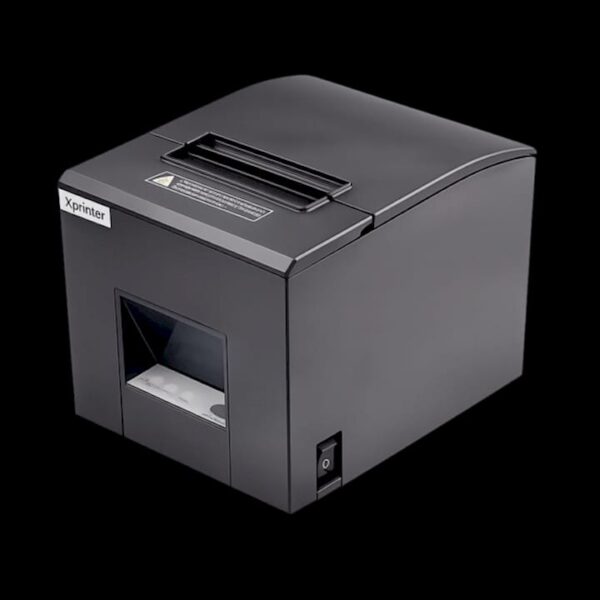
Xprinter Receipt Printer
Produce thermal receipts from a separate front-output printer positioned around your checkout.
Explore this option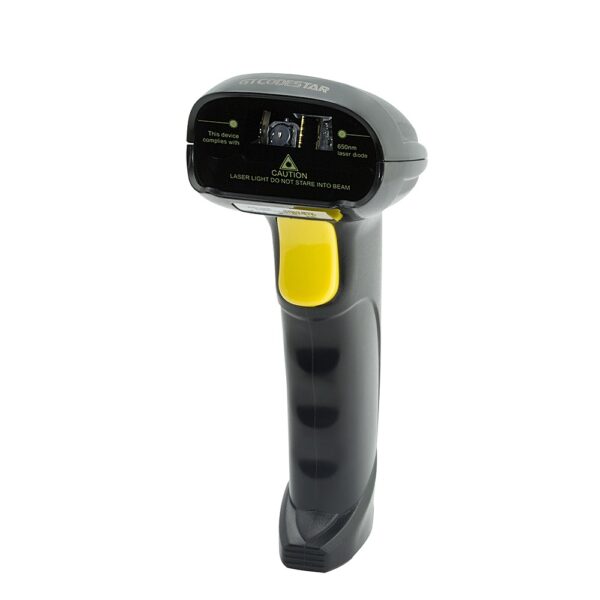
USB 1D Barcode Scanner
Scan conventional 1D product barcodes with a wired USB handheld scanner.
Explore this option
2D Countertop Barcode Scanner
Present products to a fixed CMOS imaging scanner with listed 1D and 2D barcode support.
Explore this optionCash drawers, displays & scales
Complete the counter with cash handling, customer information and weighing equipment.
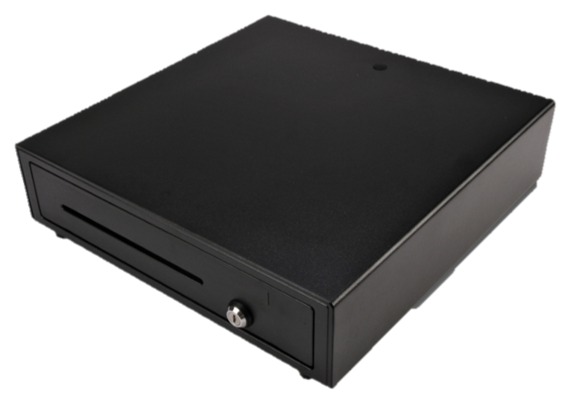
POS Cash Drawer
Organise notes and coins in a steel cash drawer with four note and eight coin compartments.
Explore this option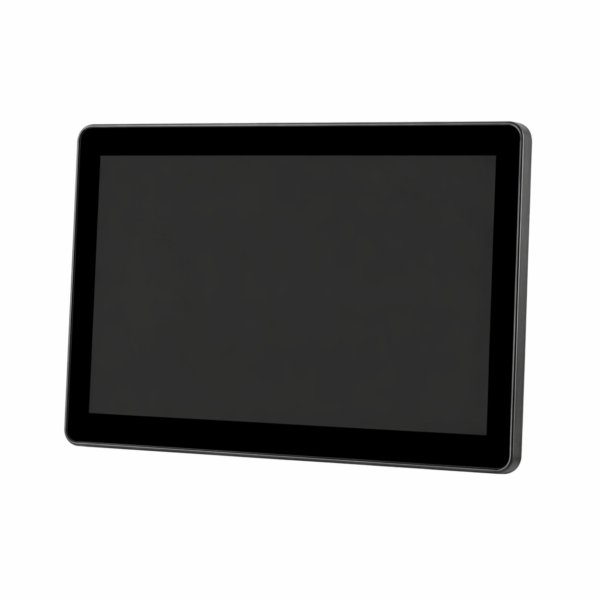
Rear Customer Display
Add a customer-facing view of order details and totals to a compatible EPOS terminal.
Explore this option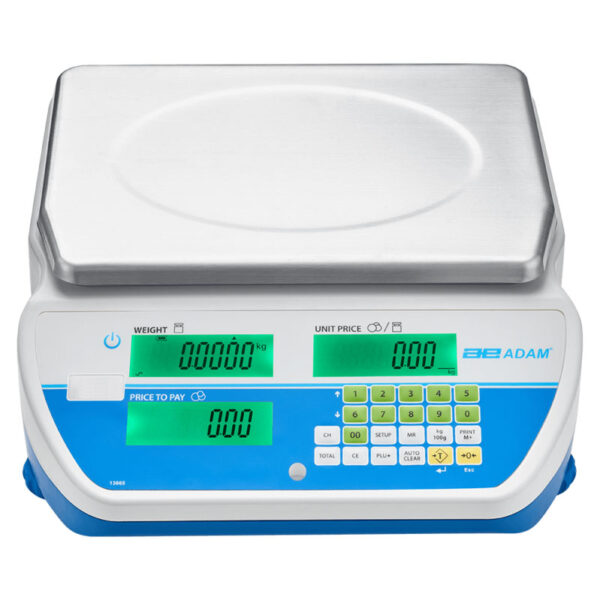
Retail EPOS Weighing Scales
Bring weighing into a grocery, butchery or fresh-produce checkout with a compatible scale and EPOS setup.
Explore this optionEPOS software
Make stock, sales, staff permissions and reporting part of a clear software brief.
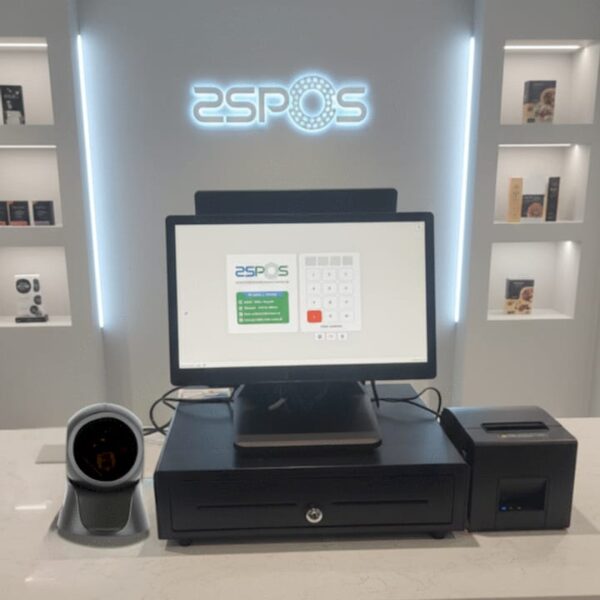
SSPOS EPOS Software
Bring product management, sales reporting and staff permissions into your EPOS workflow.
Explore this optionFind your next EPOS setup in three steps
1. Describe the business
Tell us what you sell, how many tills and sites you need, and when you want to introduce the system.
2. Choose the workflow
Include stock, menus, printing, scanning, payments and any equipment or software you want to keep.
3. Agree the scope
Ask for the hardware, licences, installation, training and support to be identified in the quotation.
Buying for wholesale, distribution or export? Send a trade enquiry with your company, equipment list, quantities and destination.
Tell us what your business needs
Planning a new setup, replacing equipment or sourcing multiple units? Tell us the product, quantity, business type and delivery location, plus any setup or support you need.
We will help turn your requirements into a supplier quotation. Buying for resale, distribution or export? Use our dedicated trade enquiry form.
Your enquiry goes to Ian Brown at EPOS Savings, operated by Search And Submit Ltd. Any supplier introduction will be agreed with you. Sending a request does not place an order or subscribe you to marketing. Privacy notice.
Featured supplier: Switch&Save. This equipment collection presents its published range. EPOS Savings handles the initial enquiry; the supplier confirms the specification, availability, warranty and terms in its quotation.
Descriptions and supplier catalogue images checked on 16 October 2026. Images illustrate the listed range; accessories and configurations can vary. View the supplier catalogue.